There is a specific kind of operational lie a lot of accounting teams tell themselves.
It sounds like this:
We do not really have a workflow problem. We just need better automation.
Usually that is backwards.
A lot of firms do not have an AI problem first. They have an Anime Expo problem first.
Not the fun part. Not the cosplay. Not the giant robot photo op.
I mean the part where you are trying to get somewhere specific, there are people everywhere, three lines seem to merge into one, somebody is holding a badge, somebody is holding a bag, somebody is holding a laminated thing they swear is the right thing, and somehow nobody can tell you which door actually matters.
That is a shocking amount of accounting workflow.
Most firms do not break because debits and credits stopped working. They break because the handoff layer around the work turns into convention-floor logistics with less joy and worse snacks.
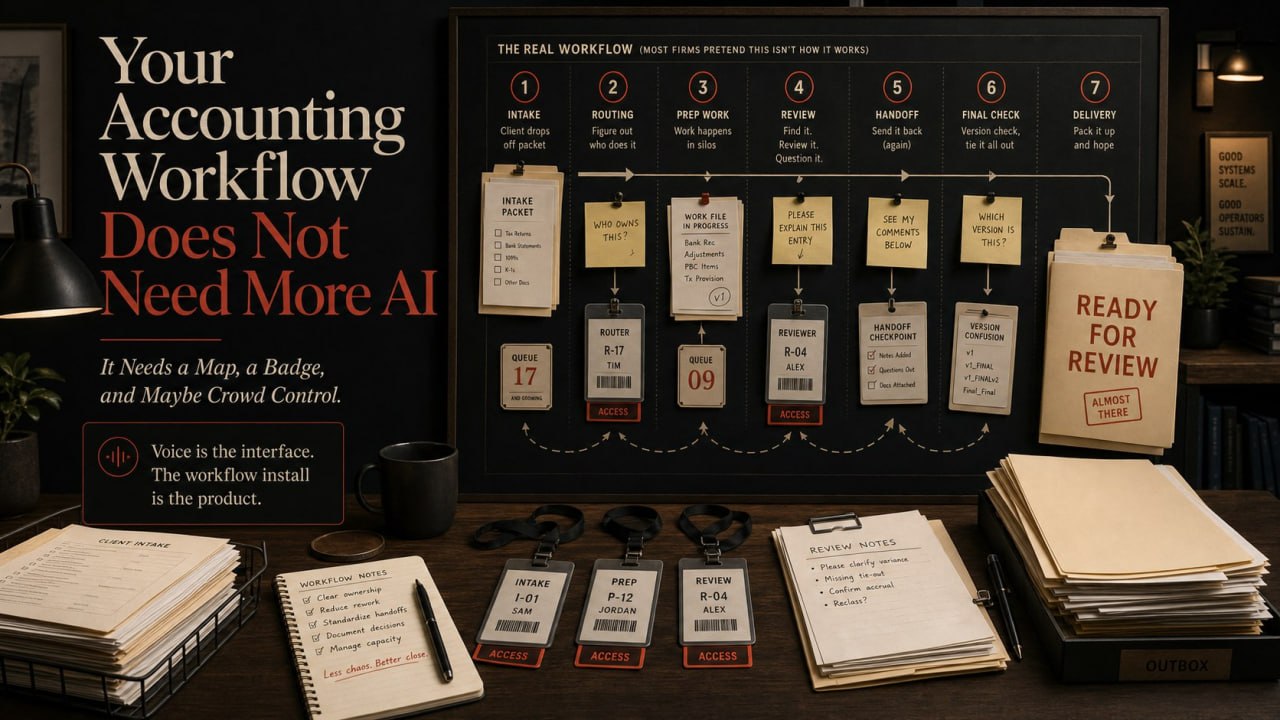
The source docs come in late. The client answer lands in a different thread. The prep note lives in someone’s head. The reviewer opens the file and still has to reconstruct what happened like a detective working a case involving three portals, four inboxes, and one cursed desktop folder named final-final-2. The open items bounce around between inboxes, portal uploads, Slack messages, desktop folders, and pure memory.
By the time somebody says, “maybe we should add AI,” the workflow already looks like Anime Expo on a sold-out weekend.
Too many moving bodies. Too many directions. Too many side quests. And a surprising amount of confidence from people holding the wrong thing.
That is why so many AI rollouts disappoint.
They are not being dropped into a clean operating model. They are being dropped into Hall B of avoidable chaos.
And routing chaos does not disappear just because the software now talks.
The real bottleneck is not the ledger. It is the crowd flow.
The dirty secret in accounting operations is that a lot of the pain happens before the hard thinking even starts.
Not in the journal entry itself. Not in the reconciliation logic itself. Not in the review judgment itself.
The pain shows up in the chaos around those steps:
- waiting on source docs
- waiting on client answers
- cleanup before close can really start
- missing support at review
- rework because the first handoff was half-finished
- open items that keep reopening the file like they bought a weekend pass
That is why so many teams feel busy all day and still feel behind.
The work is not just being done. It is being rediscovered. Repeatedly. By different people. In different systems. With slightly different context each time.
It is the accounting equivalent of asking five volunteers where Panel 204 is and getting six different answers, one of which somehow ends with, “Try the parking structure.”
At that point, adding AI without fixing the flow is like hiring a louder expo announcer for a building with no signs on the walls.
You will move people around quicker. You will not make the route any less stupid.
This is where voice actually makes sense
Voice is interesting right now because it can make a messy workflow feel more usable.
That does not mean voice is the product.
It means voice can become the front door.
Used well, voice can help with:
- client intake
- document chase
- status checks
- exception routing
- prep-to-review handoff capture
- post-call action capture
That matters because accounting teams are full of tiny moments where the work slows down for dumb reasons.
Someone has the answer but has not typed it. Someone knows the next step but has not logged it. Someone received the document but did not attach the context that makes it usable. Someone is waiting on a status update that technically exists, but only inside another person’s brain.
In other words: the information is in the building. It just is not at the booth where the next person needs it.
Voice can lower the friction on those moments.
It can help people hand over context while they are still moving. It can turn “I’ll send that in a second” into something actually captured. It can turn status black holes into visible next steps.
But if the workflow underneath is still chaos in a lanyard, all you did was make it easier to walk deeper into the convention center with the wrong map.
That is the part too many people skip.
Some accounting teams are running close like an Anime Expo side entrance
Everybody insists there is a system. Nobody can explain it the same way twice. There is always one experienced person who knows the real path, but they are somehow on the other side of the building. A line has formed for reasons nobody can fully explain. And at least one person is holding a document that would be useful if it had arrived yesterday.
That is not a workflow. That is crowd folklore.
And a lot of month-end close processes work exactly like that.
Technically, the work gets done. But only because senior people keep rescuing it.
They know which client always sends the wrong export. They know which support packet needs cleanup before review. They know which staff note means, “I ran out of time and need help.” They know which open item will come back three days later wearing sunglasses and pretending it is a different issue. They know which folder name is a lie. They know which answer exists, but only if you ask the exact right person in the exact right order before 4:30 PM.
That is not scale. That is heroics.
And heroics are expensive.
Also exhausting. Also a terrible system design strategy.
What a better implementation actually looks like
A useful accounting AI implementation usually starts with one ugly, repetitive workflow.
Not ten. Not a moonshot. Not a keynote. Not a slide deck where someone says “transformative” seventeen times while nobody can find the support docs.
One workflow. One choke point. One repeat problem that keeps reopening the file.
Good starting candidates:
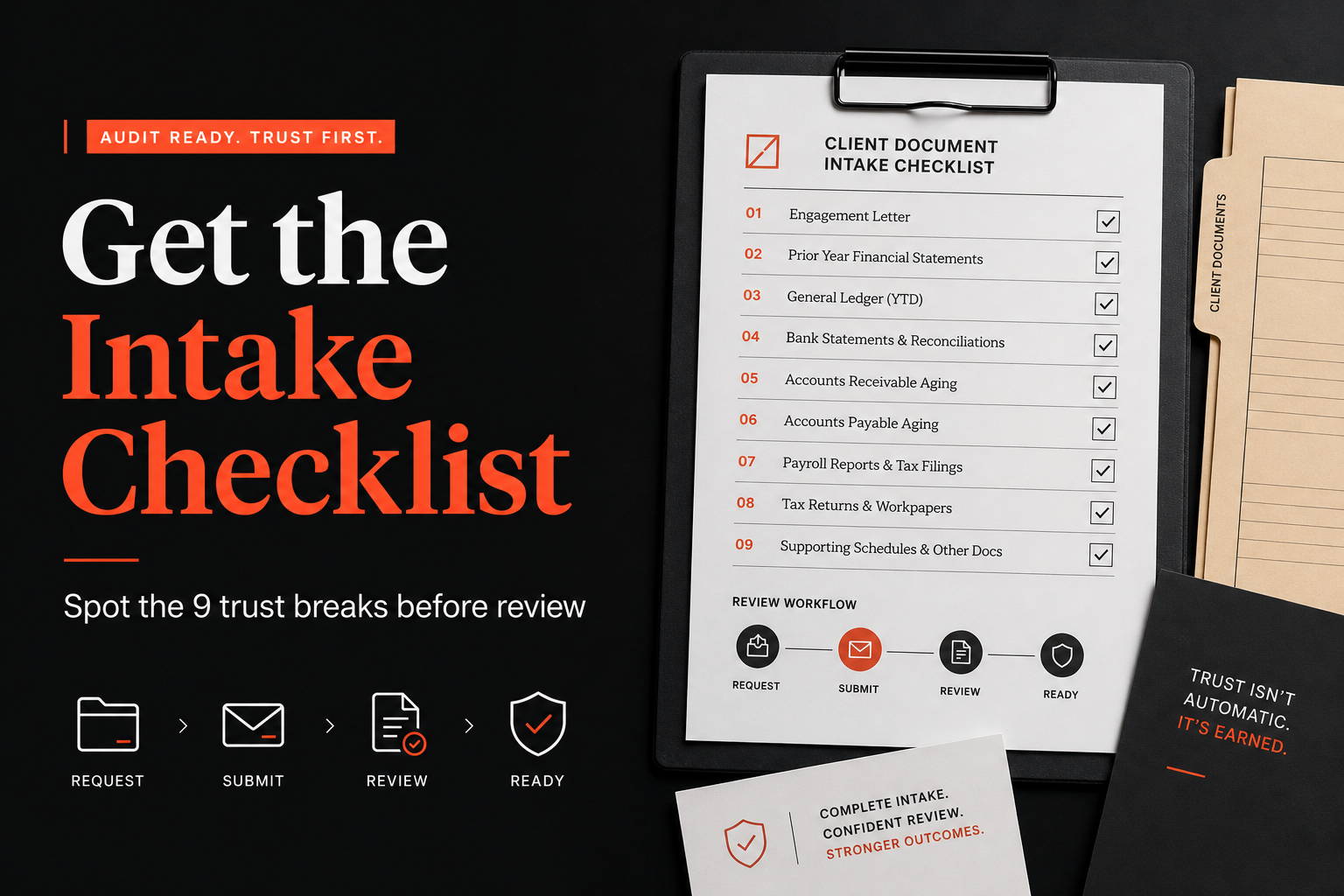
- cleanup intake before close work begins
- client document chase
- review-note consolidation
- exception triage during close
- support-packet assembly for reviewer handoff
Then you do the boring adult work:
- define what enters the workflow
- define what good output looks like
- define where context gets attached
- define where a human must review
- define what gets logged so the next person is not guessing
This is less glamorous than shouting “AI” over a demo.
It is also where the money is.
That is where the payoff comes from.
Not from “using AI.” From reducing the amount of rediscovery, rework, and hidden context in the workflow. From making the route legible before you try to speed it up.
The operating thesis
Here is the cleaner way to think about it:
Voice is the interface. The workflow install is the product.
If the workflow is still chaotic, voice becomes a nicer way to ask chaotic questions.
If the workflow is structured, voice becomes genuinely useful. It can collect cleaner intake. It can capture context faster. It can route issues sooner. It can make status more visible. It can reduce the number of moments where somebody says, “wait, where is that note?”
That is the difference between novelty and implementation.
Or said another way: Do not give me a faster guide microphone if the event map still looks like fan fiction.
Where firms should start
If you are leading an accounting team, do not start by asking:
Where can we use AI?
Start here instead:
Which workflow keeps reopening the file?
That is the better question.
Because the first real win is not “we used AI.”
The first real win is:
- fewer broken handoffs
- fewer missing support loops
- fewer reviewer surprises
- fewer status black holes
- less senior rescue labor
That is what makes the workflow feel lighter. That is what makes scale more believable. That is what makes automation stop feeling like a demo and start feeling like operations.
If your month-end close feels like trying to find the right line at Anime Expo while carrying the wrong badge, the answer is not more hype.
The answer is to clean the route. Then add the interface.
If you want the practical side, not just the opinion, grab the free repo here: https://github.com/mgubuan/AccountingVoice
It walks through the workflow-install approach in a way accounting teams can actually inspect.
Then, if you want, send me the workflow that breaks first: cleanup, close, review, or client chase.
That is usually where the real implementation conversation should start.